01🇳🇬
One month
₦1A shorter commitment to get started.
STREAMING, MADE SIMPLE IN NIGERIA
Compare IPTV plans in Nigeria, check Smart TV and streaming-device compatibility, and get practical setup support before you order.

CHOOSE YOUR PACE
🇳🇬 PRICED IN NIGERIAN NAIRA
Choose how many devices you want, then compare durations. Prices and content availability must be confirmed before ordering.
A shorter commitment to get started.
Time to settle into your viewing routine.
A longer option for regular viewing.
An annual option to compare.
CHANNELS VIEWERS ASK ABOUT
Names shown are examples only. Current channel availability and viewing rights must be confirmed before ordering.
A CLEAR WAY TO START
No guessing which app to use. Take these steps in order and confirm that the service fits your device and connection.
Tell us whether you watch on a Smart TV, phone, laptop or streaming box. We can point you to a compatible player.
Compare short and longer plans. Request the current price and confirm what each option includes before you order.
Follow the setup guidance for your device. A stable Internet connection and an up-to-date app make a difference.
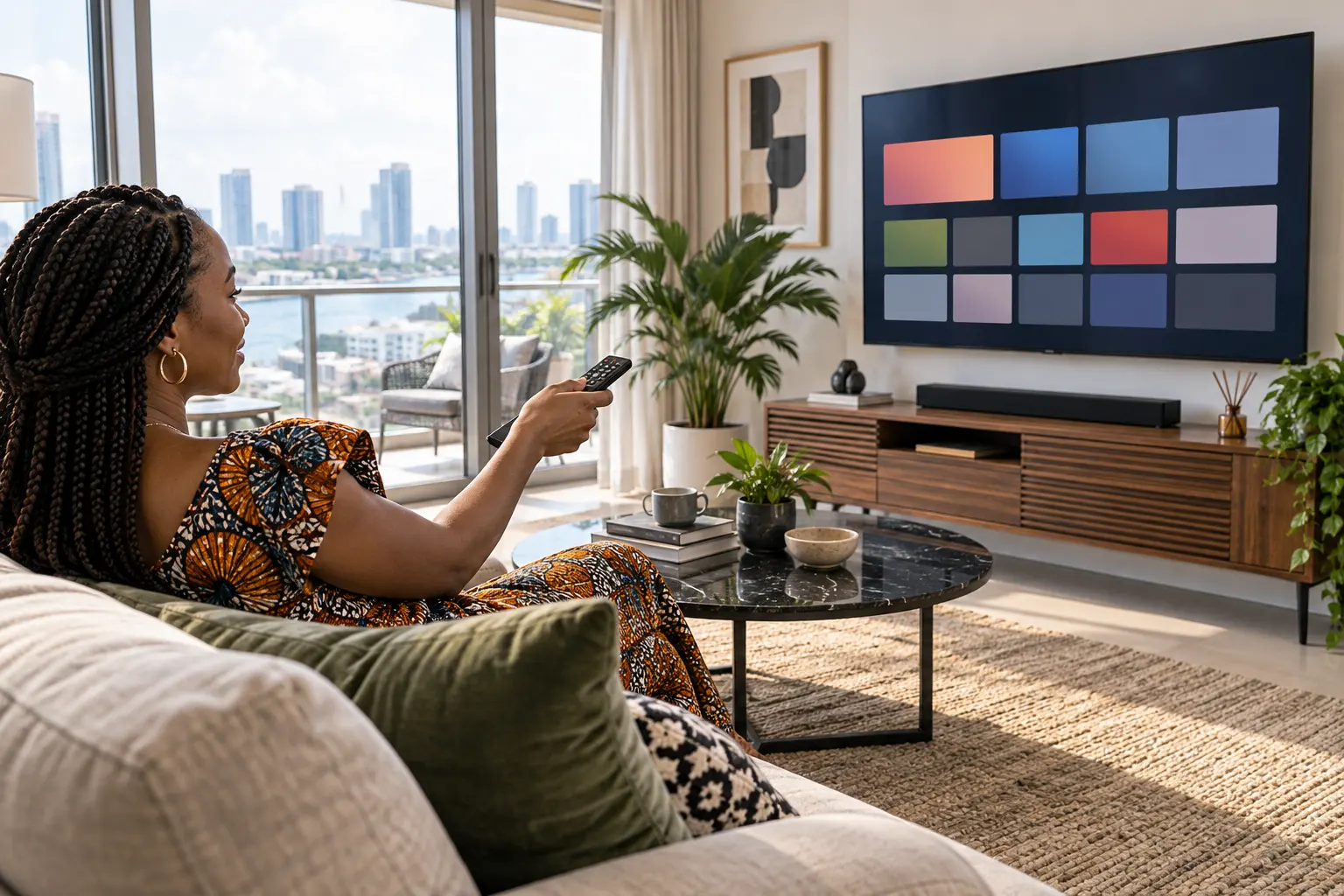
WATCH YOUR WAY
Device and app support depends on the plan and platform. Ask us to check your exact model before you commit.
POPULAR SCREEN TYPES
Application availability varies by model and store. Check the official app store on your device before installing anything.
MAKE A CLEAR COMPARISON
THE TECHNOLOGY
Internet Protocol Television delivers video over an Internet connection. The app, stream quality and viewing rights are separate questions: check all three before you choose a provider.
For a smoother experience, test your home network, keep your player updated and choose an authorised service.
READ THE FAQ ↗FILM & SERIES
Explore the types of on-demand viewing you enjoy. Ask for the current catalogue and availability rather than relying on a fixed list.
ASK ABOUT A TRIAL ↗
LIVE SPORT
Watch on your preferred screen when the service carries an authorised event. Confirm current sports availability before ordering; schedules and rights can change.
CHECK AVAILABILITY ↗YOUR VIEWING OPTIONS
Ask which authorised live channels are currently included.
Explore films and series available in your plan.
Confirm the live events supported in your region.
Get device-specific installation guidance.
Compare one, three, six and twelve months.
Ask about current response hours and support terms.
NIGERIA DEVICE GUIDES
These local guides help viewers plan their home setup. Service availability still needs confirmation for your address, device and connection.
PARTNER INFORMATION
Thinking about becoming a reseller? Request current written information on eligibility, credits, billing, support and content rights before you make a commitment.
VIEW RESELLER INFORMATION ↗
BEFORE YOU DECIDE
Use the same network and device you plan to watch on.
Confirm whether your plan supports one or several devices.
Get current prices, content details and support conditions in writing.
THE JOURNAL
Guides and updates will appear here as soon as they are published in WordPress.
WHY THESE STEPS MATTER
Compare time and screen count, then verify the current price.
Use official app stores and authorised access details.
Ask for compatibility guidance for the model you own.
Send a concrete question and check current support hours.
COMMON QUESTIONS
IPTV is television delivered over an Internet connection rather than a traditional aerial, satellite or cable connection.
Many Smart TVs, phones, computers and streaming boxes support IPTV apps. Compatibility depends on the exact model and player.
Ask for the screen count included with your plan. A plan may have limits on simultaneous viewing.
The source, app, device, network and number of connected users can all affect playback. HD or 4K is not guaranteed on every connection.
Ask the team whether a trial is currently available and request its terms before relying on it.
The technology has legitimate uses. Providers and viewers must have the necessary rights to the content they distribute or access.
First confirm which app works on your TV model, install it from the official store, then use the access details for your authorised service.
Prices depend on duration and device count. The site owner can update NGN prices in WordPress; confirm the current quote before payment.
Availability depends on the service’s current licensed content and event rights. Ask for a current list.
Send your device model, app name and a brief description of the issue through the contact method listed on this website.
A speed test is only one clue. Wi-Fi interference, a busy home network, an outdated app or device, and a temporary source issue can also interrupt playback. Test another app and, when possible, try Ethernet before asking for support.
Ethernet is usually the more stable choice for a television or streaming box because it avoids wireless interference. If you use Wi-Fi, keep the device near the router and avoid an overcrowded network.
Not always. If your television supports a suitable app and performs well, you may not need another device. A streaming box can help when the TV is older, slow or missing the app you need.
When other channels and apps work normally, the issue may be limited to that one source rather than your full connection. Note the channel name and time, then send those details to support.
Try the same connection with another app, restart the player and router, and test a second device if available. These quick checks help identify which part of the setup needs attention.
It is the number of screens allowed to play at the same time, which may be different from the number of devices where an app is installed. Confirm the simultaneous screen limit before choosing a plan.
READY TO ASK?
Tell us which device you use and which plan duration interests you. We’ll share current details before you decide.
CONTACT THE TEAM ↗